How to Code?
How To start Coding?
Coding is a skill that can seem intimidating at first, but with a little bit of guidance and practice, it can be a rewarding and fun hobby. Whether you're looking to build your own website, create a mobile app, or automate a task, learning how to code can give you the tools to bring your ideas to life. In this article, we'll go over the basics of coding, including how to choose a programming language, how to set up your development environment, and how to write and run your first program.

Choosing a Programming Language
One of the first steps in learning how to code is choosing a programming language. There are many different programming languages to choose from, each with their own strengths and uses. Some popular options include:
Java: Java is a popular language for building large-scale enterprise applications and Android mobile apps. It is known for being fast, reliable, and easy to learn.
Python: Python is a versatile language that is often used for web development, data analysis, and scientific computing. It has a large and active community, which means there are many resources available for learning and support.
JavaScript: JavaScript is a popular language for building interactive websites and web applications. It is often used in conjunction with HTML and CSS, which are used for structuring and styling web content.
C++: C++ is a high-performance language that is often used for building operating systems, games, and other applications that require a lot of processing power. It can be more difficult to learn than some of the other options on this list, but it is a powerful language that is widely used in industry.
There are many other programming languages to choose from, and the best one for you will depend on your goals and what you want to build. If you're not sure which language to start with, it can be helpful to do some research and try out a few different options to see which one feels the most natural to you.

Setting Up Your Development Environment
Once you've chosen a programming language, the next step is to set up your development environment. This involves installing the necessary software and tools on your computer so that you can write, edit, and run your code.
The specific steps for setting up your development environment will depend on the programming language you choose and the operating system you are using. Here are some general guidelines:
Install a text editor: You'll need a text editor to write your code. There are many options to choose from, such as Sublime Text, Atom, or Visual Studio Code. Choose one that you like and that has support for the programming language you are using.
Install a compiler or interpreter: Depending on the programming language you choose, you may need to install a compiler or interpreter to translate your code into something that the computer can understand. For example, if you are using C++, you'll need to install a C++ compiler. If you are using Python, you'll need to install a Python interpreter.
Install any necessary libraries or frameworks: Some programming languages and projects may require additional libraries or frameworks to be installed. For example, if you are building a website with JavaScript, you may need to install a library like jQuery or React.
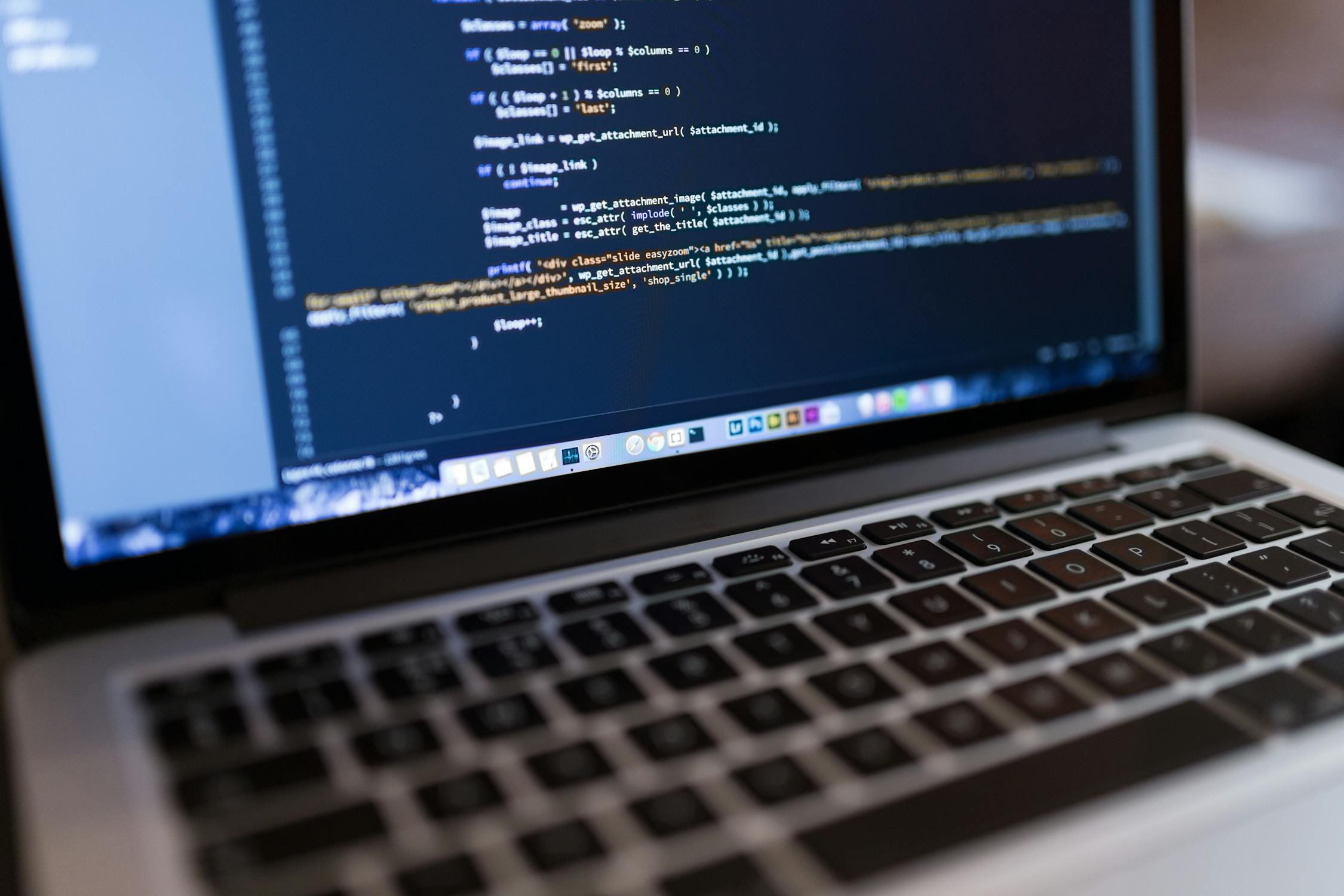
Writing Your First Program
Now that you have your development environment set up, it's time to write your first program! A program is simply a set of instructions that tell the computer what to do.
To write a program, you'll need to use a programming language


Comments
Post a Comment